Your deviceWindows
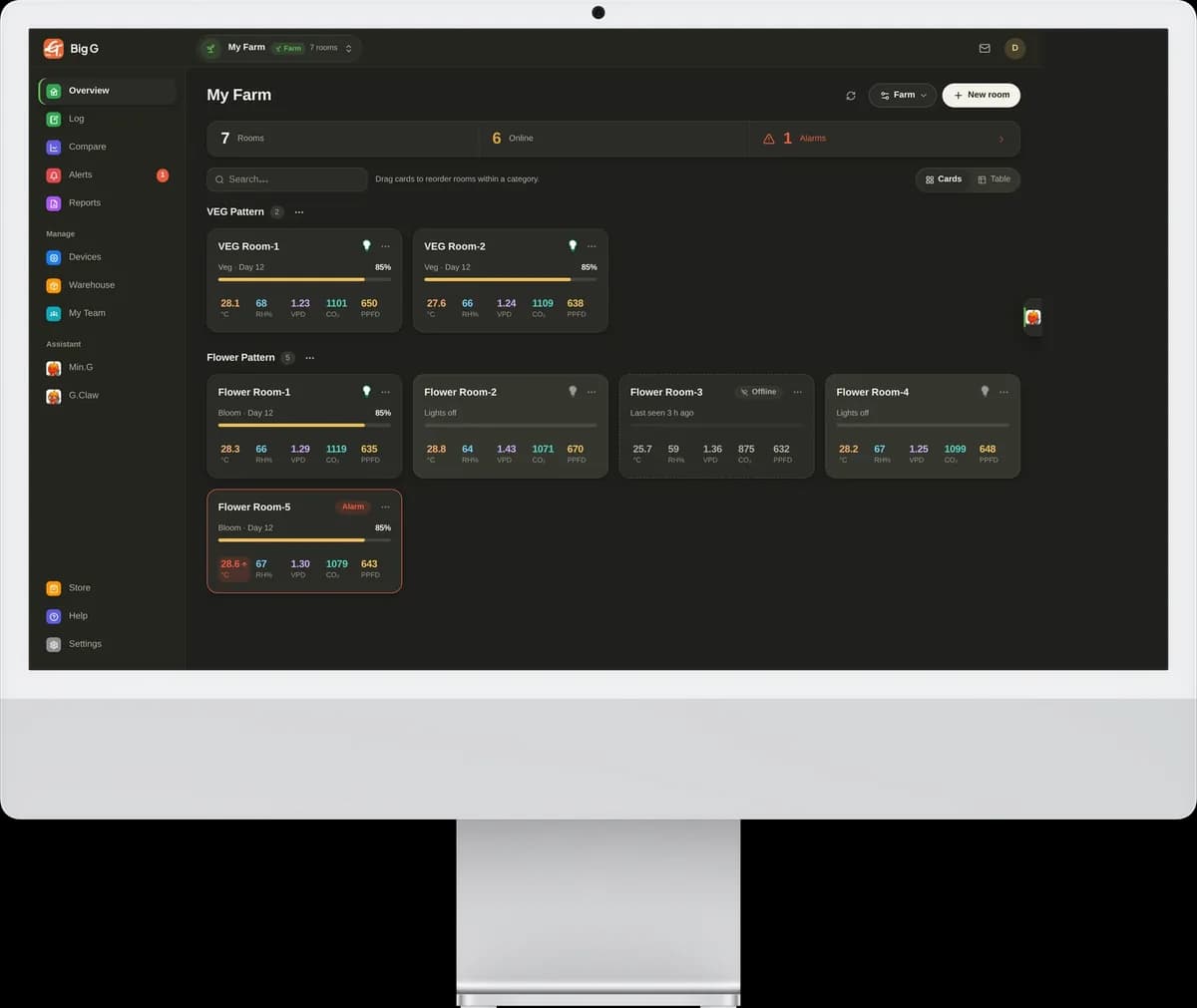
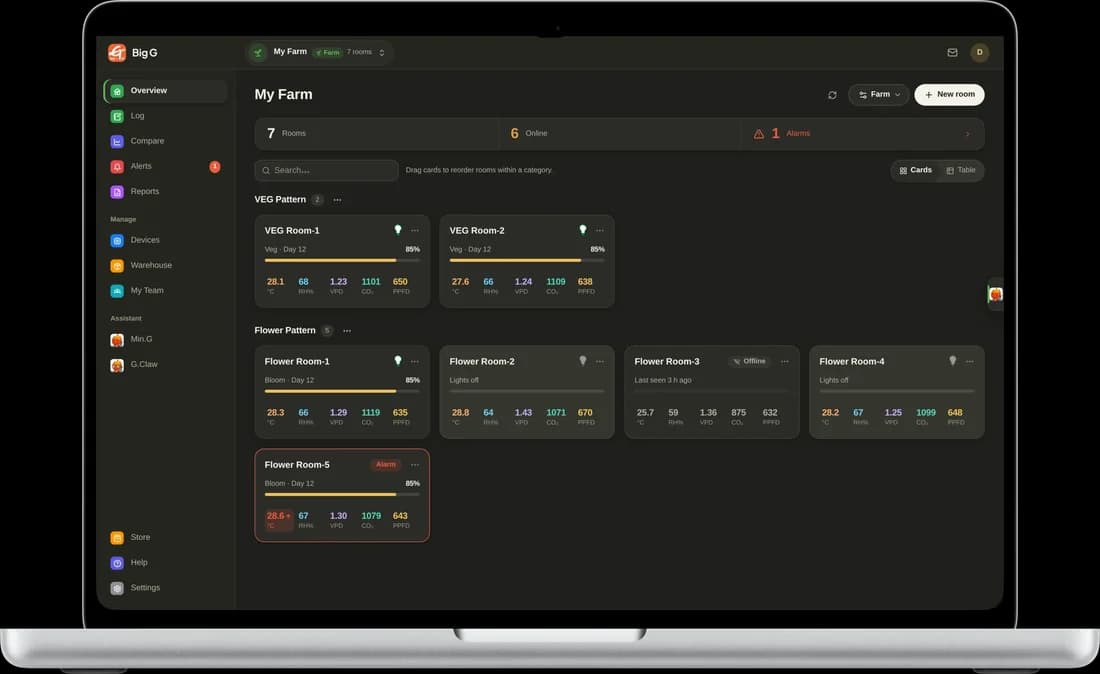
The desktop workstation: see every room at a glance, compare rooms on one chart, export data and ask the AI while you look.
Version 0.8.122026-11-1787.0 MB
Download installer (.exe)Windows 10 or later, 64-bit. Windows may show “Windows protected your PC” because the installer is not yet code-signed: click “More info” → “Run anyway”.
Mac
The full desktop app for Apple silicon and Intel Macs: every room on one screen, light curves, alarms, reports and the AI assistant.
Version 0.8.62026-11-11187.5 MB
Download .dmgmacOS 11 or later. Open the .dmg and drag Big G plus into Applications.
Android
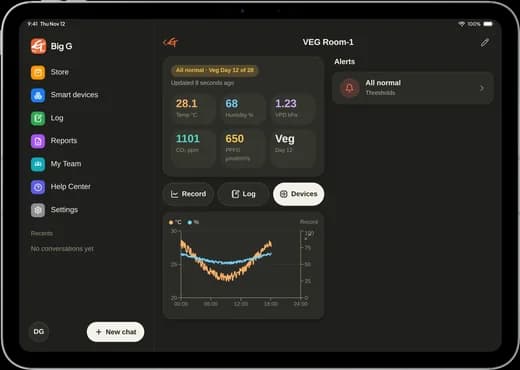
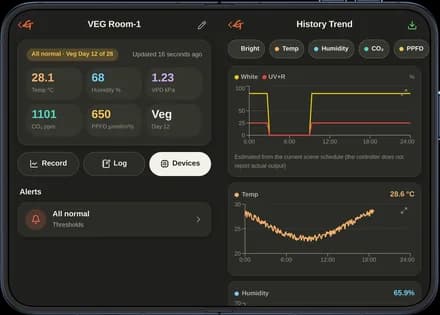
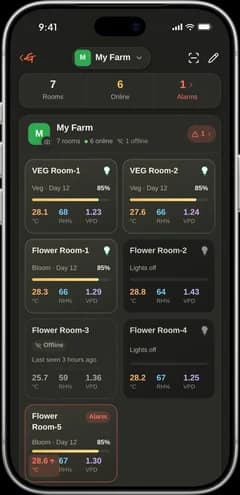
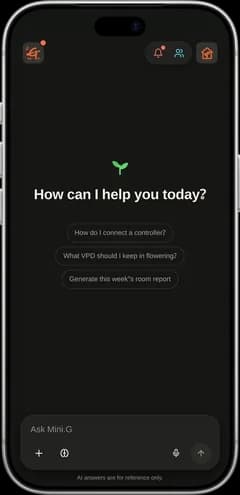
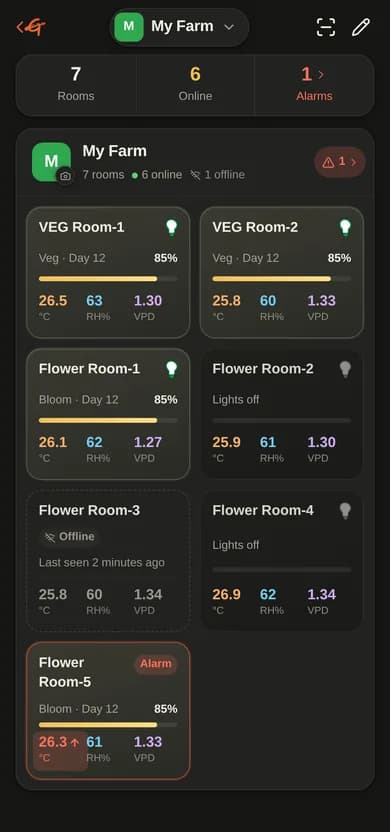
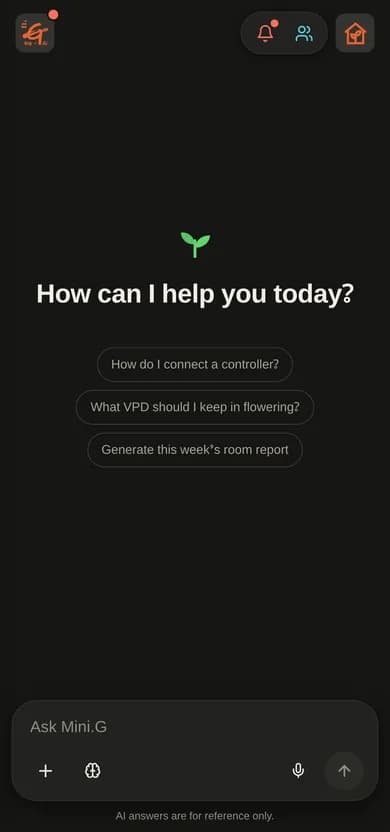
The full mobile app: rooms, devices, alarms with push notifications, team, shop and voice input for the AI assistant.
Version 0.8.232026-10-1439.4 MB
Download APKAndroid 8 or later. On first install allow “Install from this source” when asked. Google Play listing coming.
iPhone
Same app for iPhone. Distributed through Apple’s App Store.
Open App StoreiOS 15 or later. Until the App Store listing is live you can open app.big-g.ai in Safari and “Add to Home Screen”.